
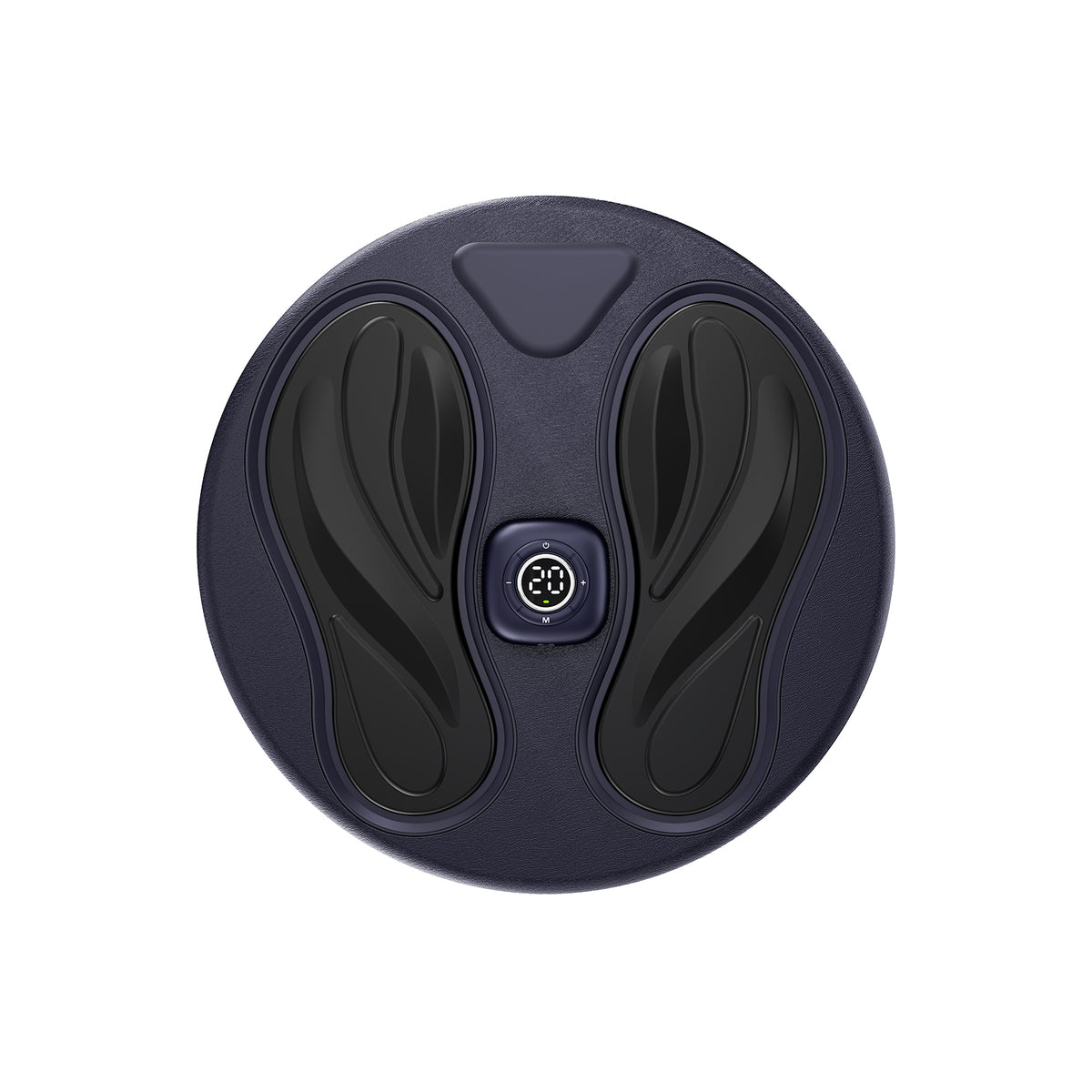

SoftPulse EMS Foot Stimulator with 10 Modes & 20 Levels
SoftPulse at a Glance
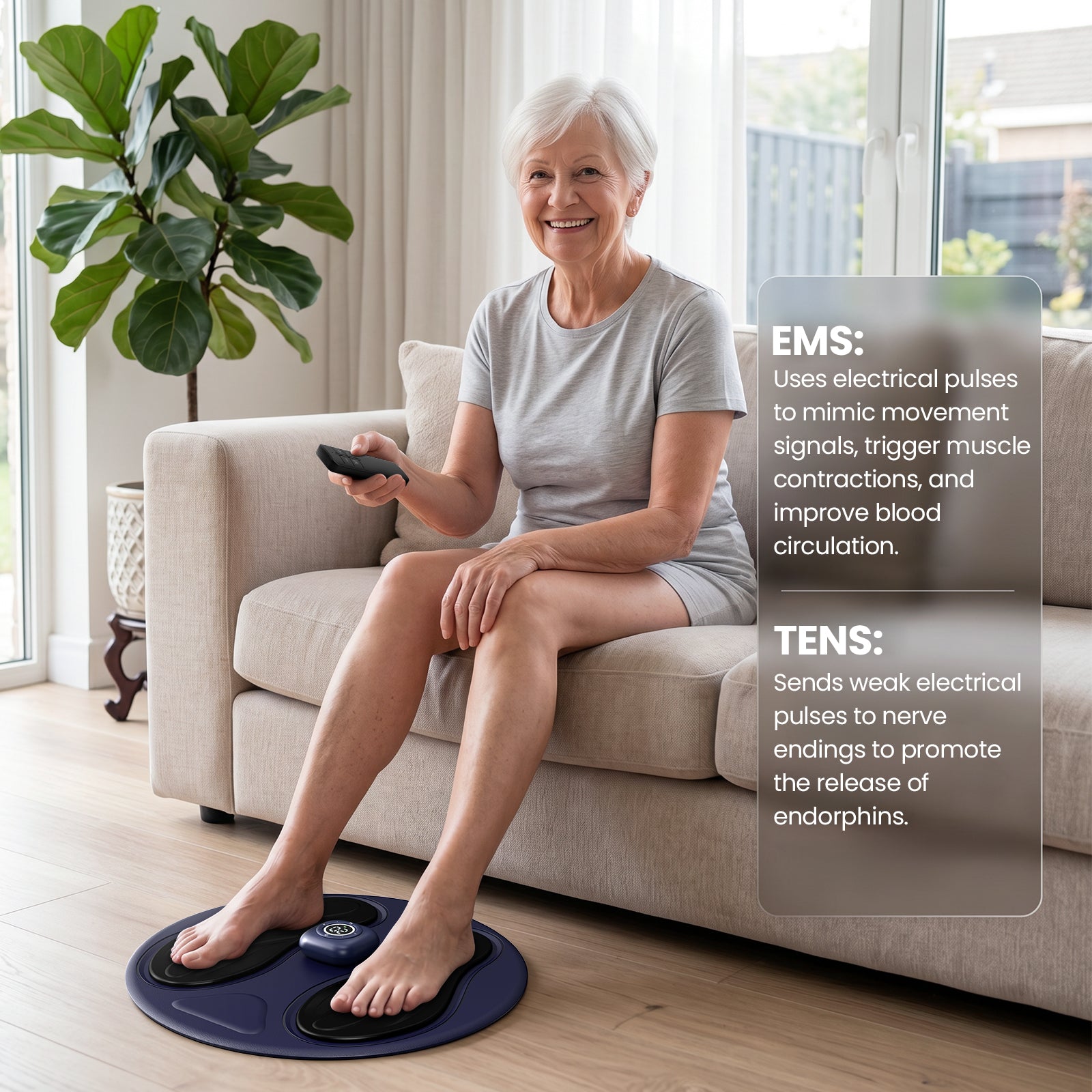
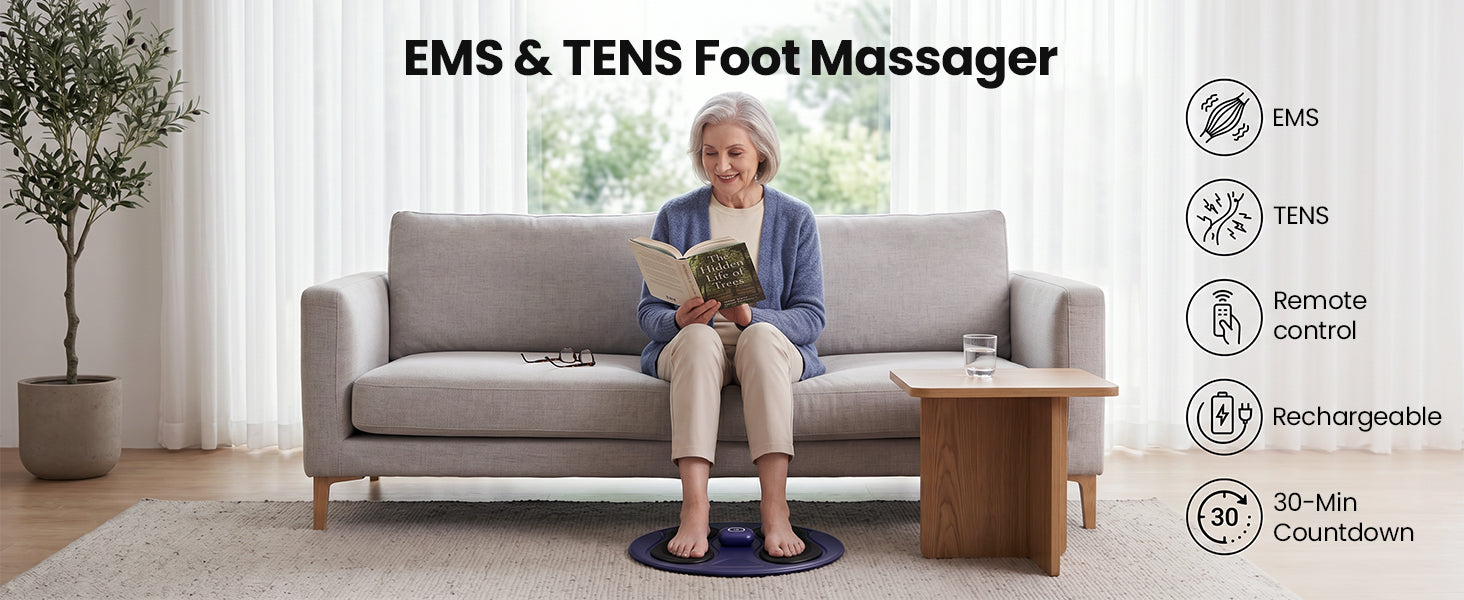
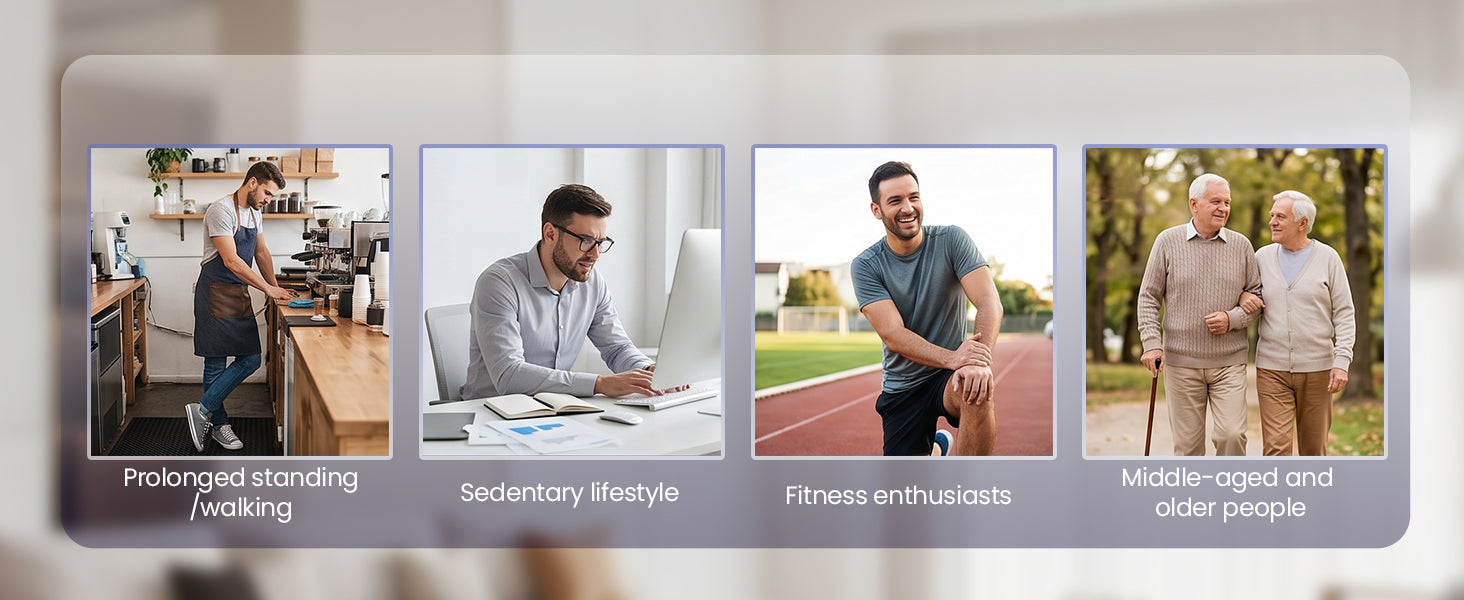
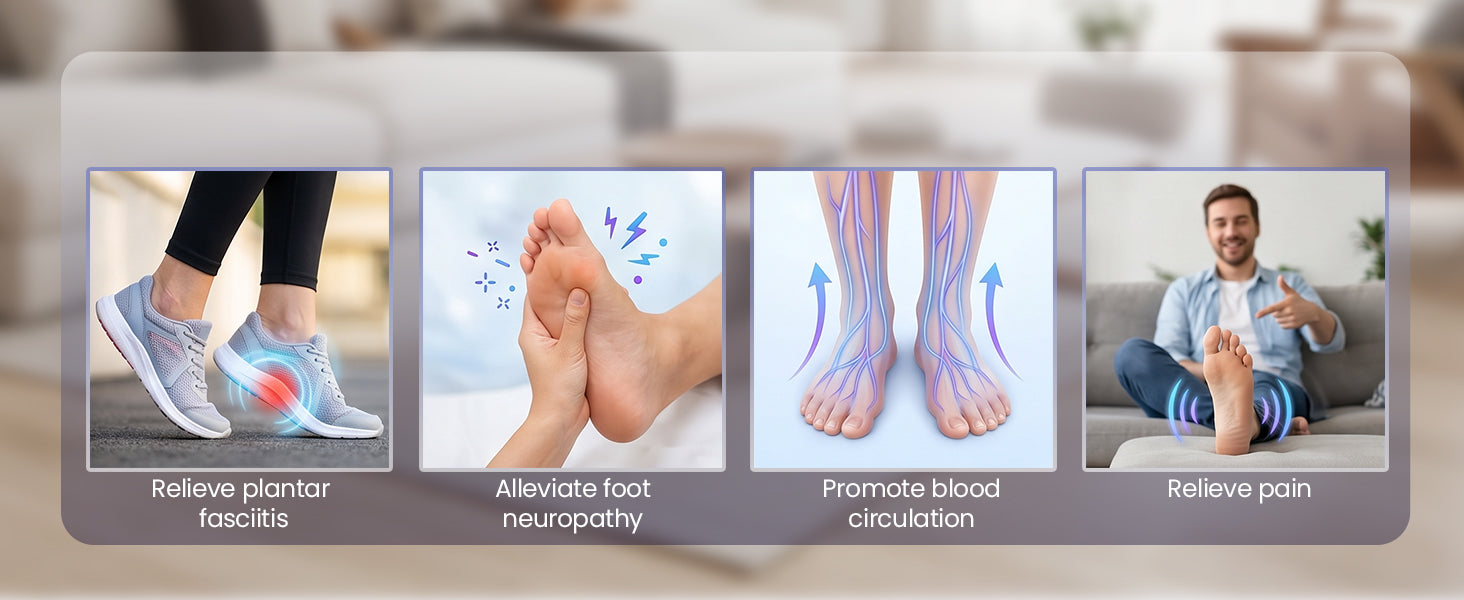
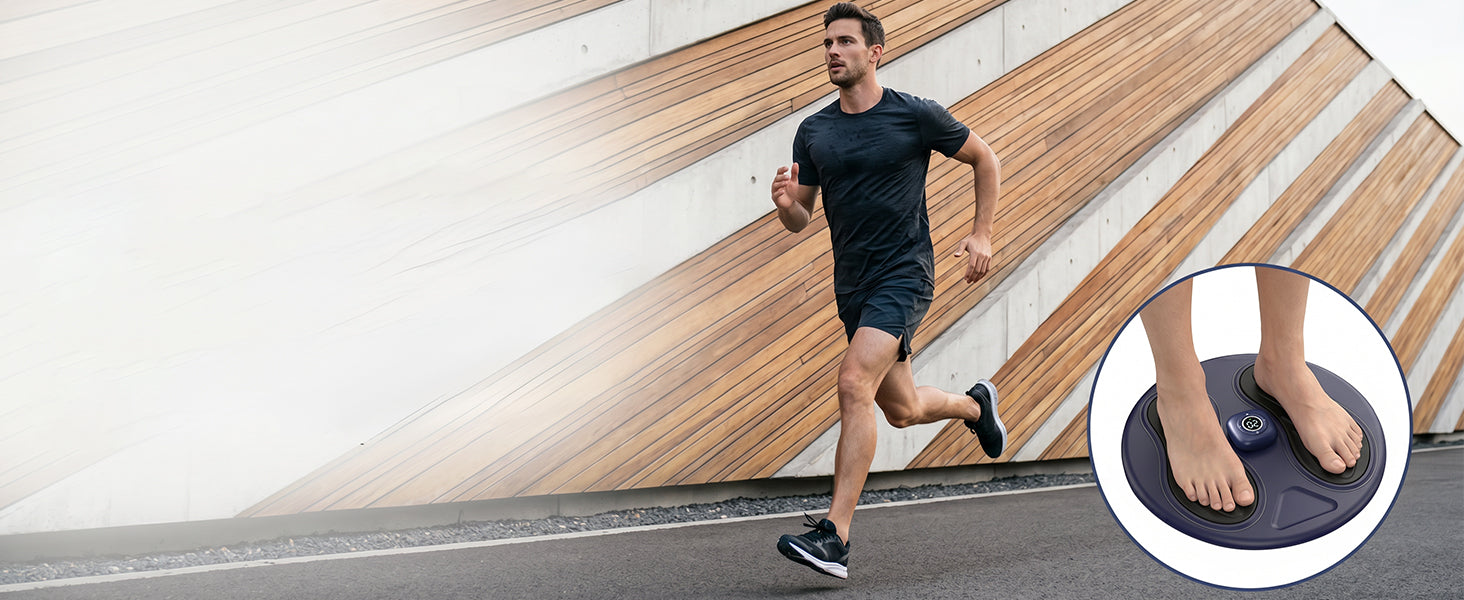
SoftPulse EMS & TENS Foot Stimulator is designed for feet that feel tired, tense, or uncomfortable after long periods of standing, walking, working, or sitting. Using EMS/TENS pulse stimulation through the soles of the feet, it helps activate and relax foot muscles while supporting relief from everyday foot fatigue and built-up tension. With regular use, SoftPulse can help tired feet feel more relaxed, less fatigued, and more comfortable as part of a consistent at-home foot-care routine.
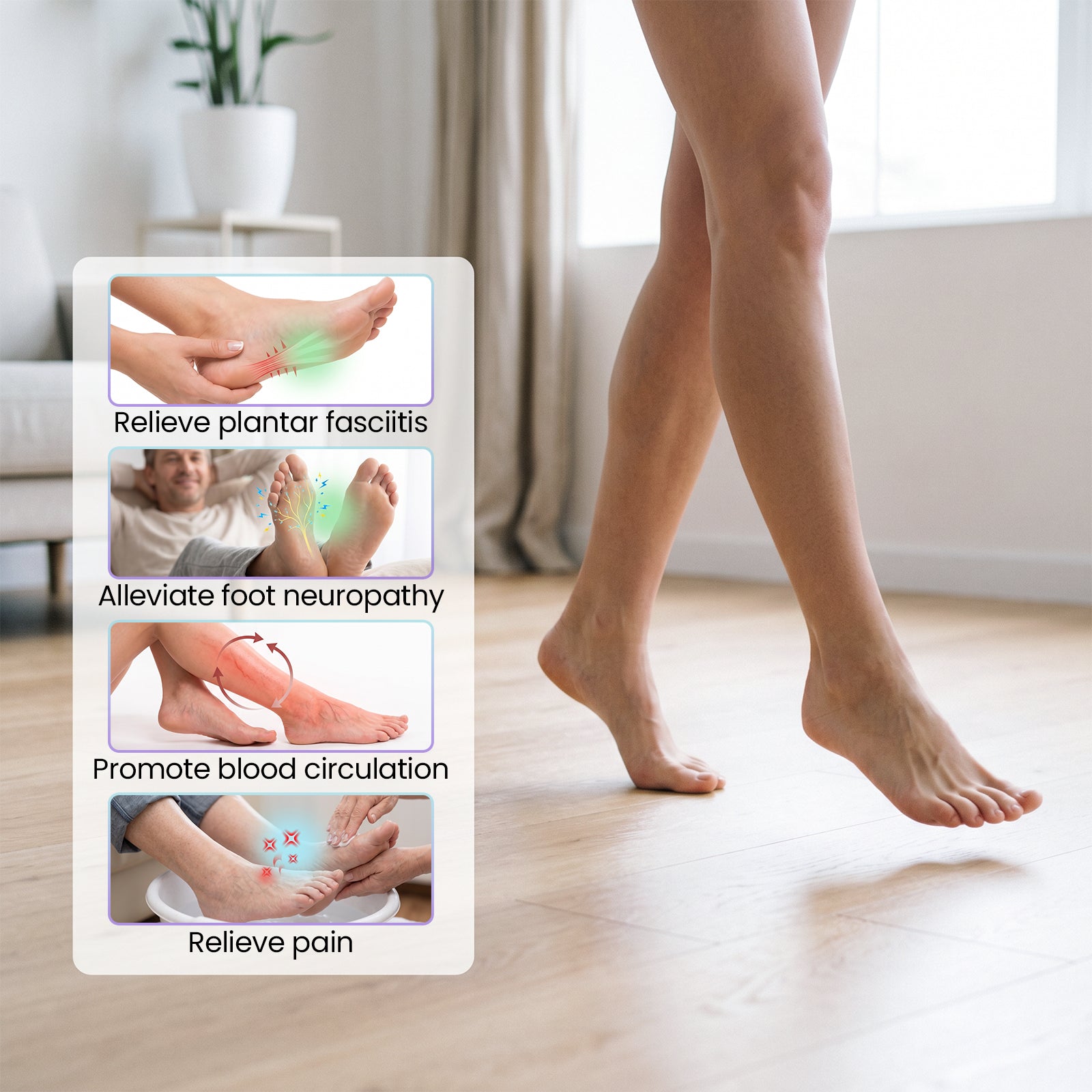
- Helps ease tired and fatigued feet after daily activity
- Supports relief from foot tension and everyday discomfort
- Helps activate and relax foot muscles through EMS/TENS stimulation
- Supports a more relaxed feeling after prolonged standing, walking, or sitting
- Helps improve everyday foot comfort with regular use
Subscribe and get an extra $10 off your first order.
SoftPulse
Our Promise

What’s Included
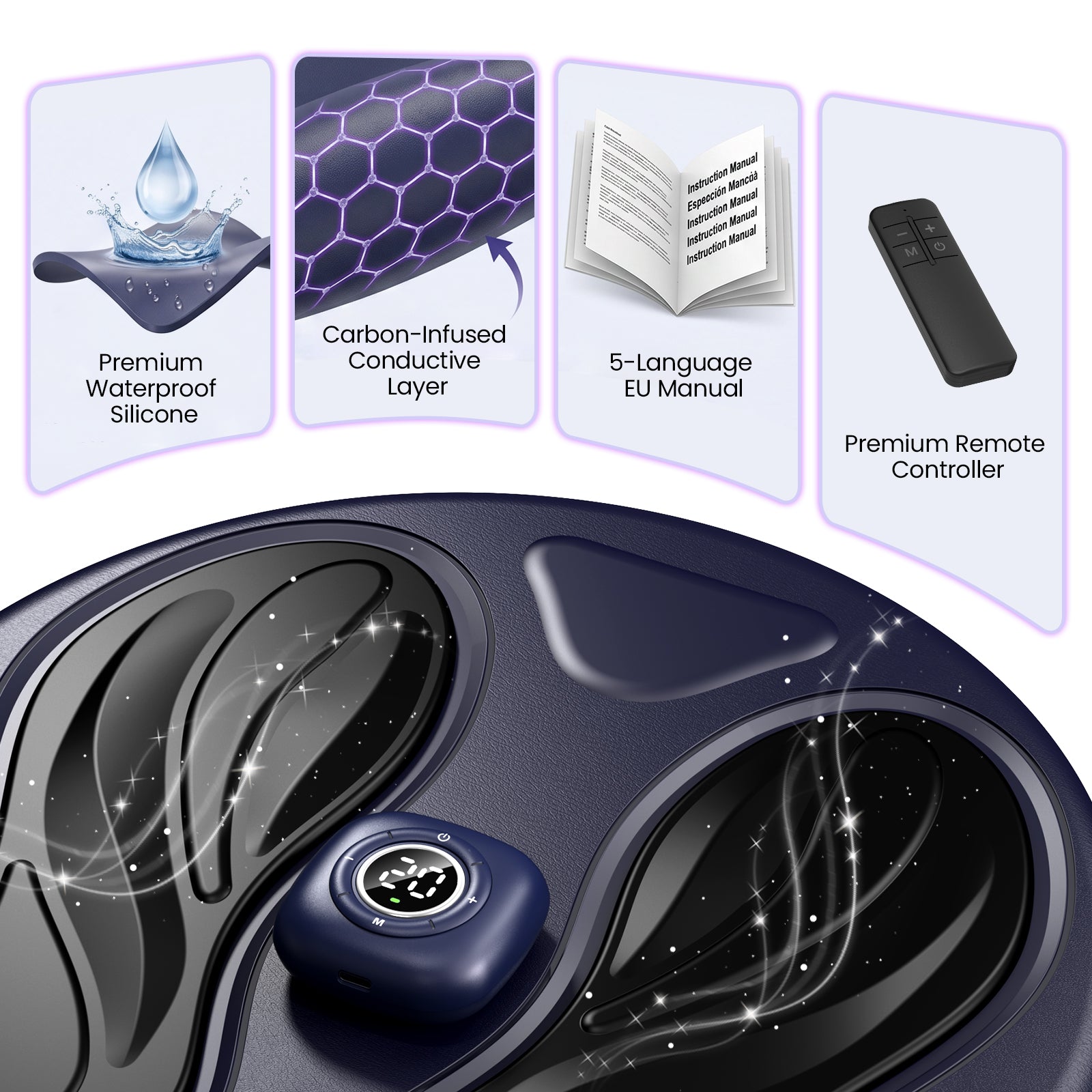
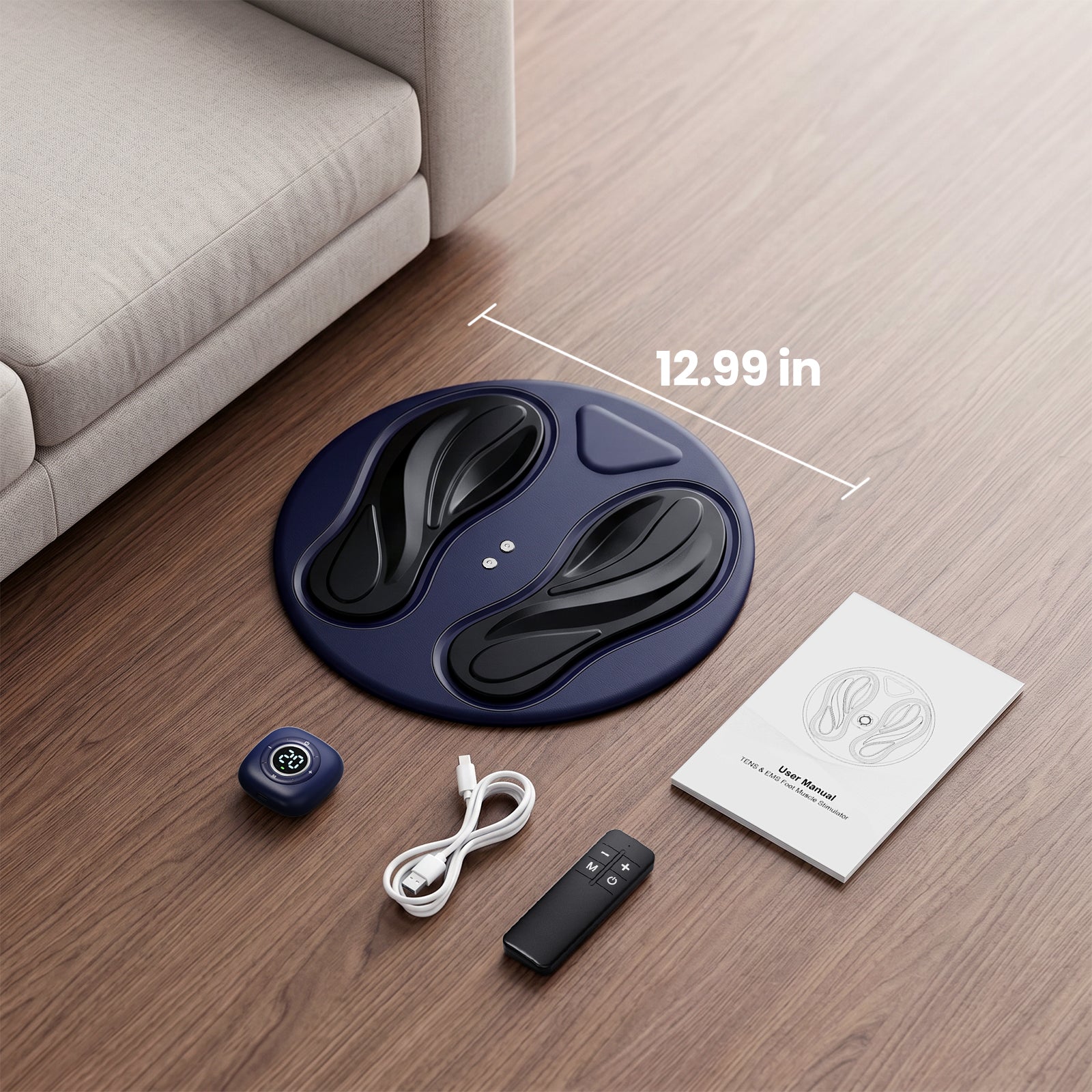
- EMS Foot Stimulator
- Remote Control
- USB-C Charging Cable
- User Manual
Product Specifications
Product Details
Product Type: EMS & TENS Foot Stimulator
Model Number: WY-T1
Use Style: Cordless
Session Timer: 15 minutes
Stimulation Technology
Technology: EMS / TENS
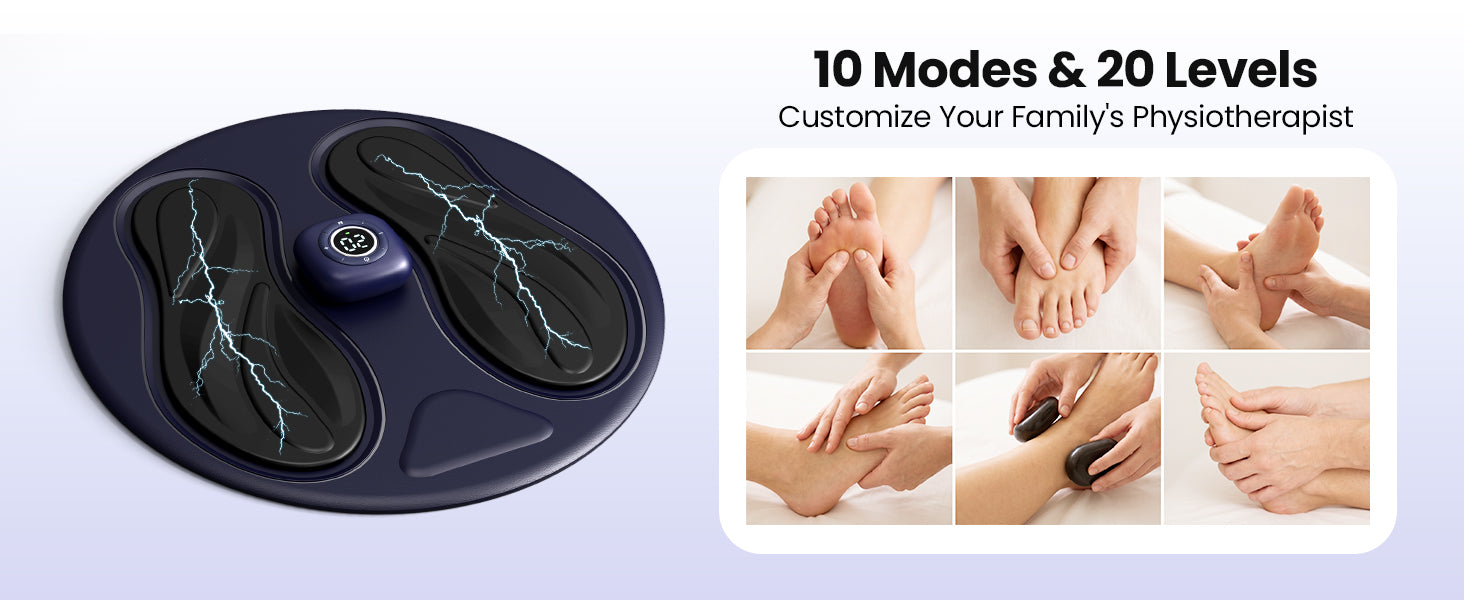
Modes: 10
Intensity Levels: 20
Auto Shut-Off: 15 minutes
Power & Charging
Charging Port: USB-C
Battery Life: Approx. 2-2.5 hours
Sessions per Charge: About 4-6
Battery Rating: 5V DC, 500mAh
Material & Contact
Main Material: ABS engineering plastic
Foot Contact: Conductive silicone grease
Electrode Pads: Conductive gel
Size & Weight
Dimensions: 13 × 13 × 1.2 in
Weight: 1.6 lb
Application Areas
Foot Platform: Feet
FAQ
Please read our FAQs page to find out more.
1. Do I need to use SoftPulse with bare feet?
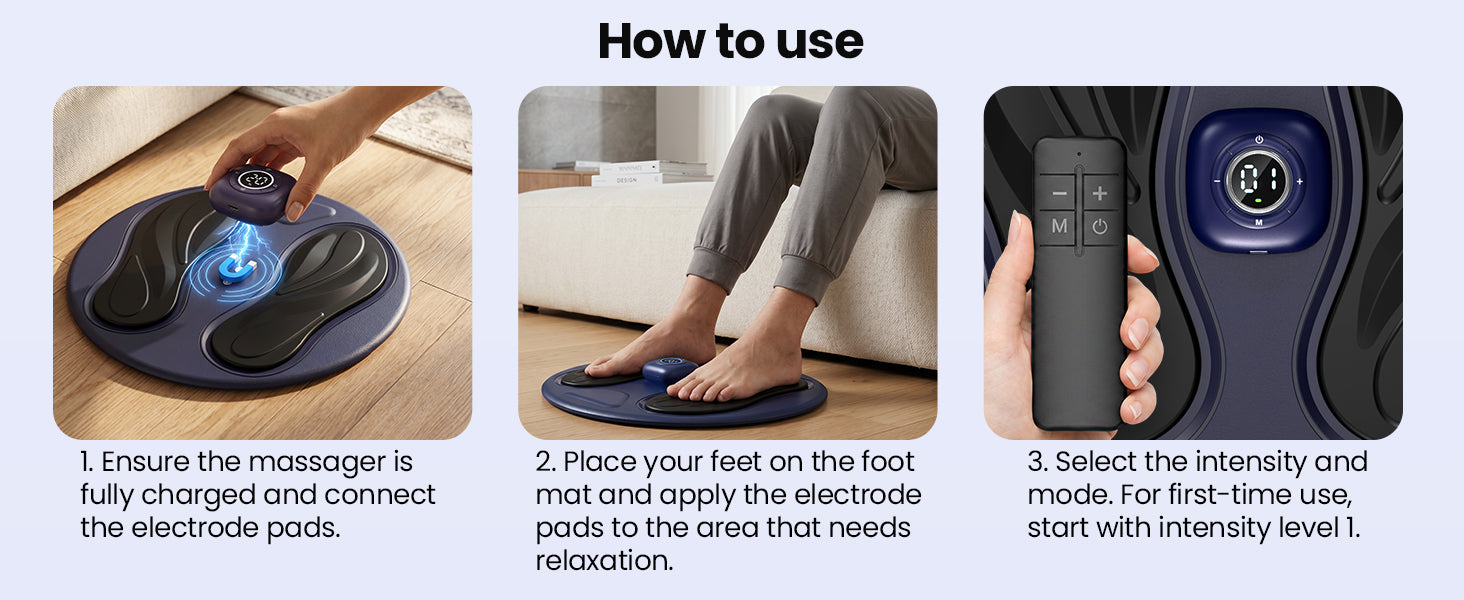
Yes. Place both bare feet directly on the conductive foot areas so the electrical pulses can be delivered properly. Socks or footwear may reduce or block the stimulation.
2. Why is the remote control not responding?
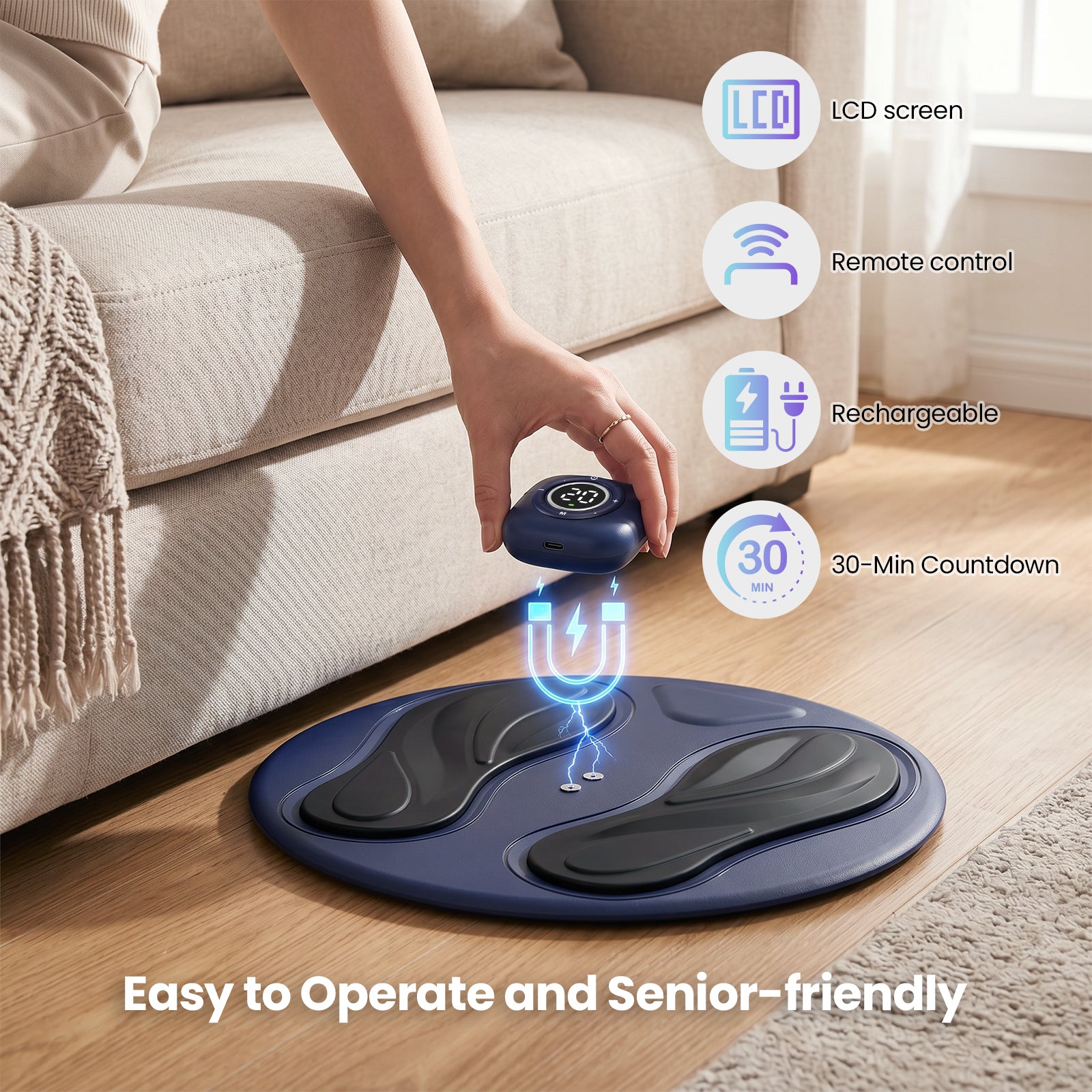
The remote works only after the magnetic controller has been securely attached and the main unit has been turned on. Press and hold the power button on the controller for approximately two seconds before using the remote.
3. How do I select a comfortable intensity level?
SoftPulse starts at Level 1 each time it is turned on. Use the plus and minus buttons to increase or decrease the intensity gradually. Choose a level that feels noticeable but remains comfortable.
4. How long should each session last?
Use SoftPulse for approximately 15 minutes per session. For first-time users, begin at the lowest intensity and allow your feet to adjust before increasing the setting.
5. What should I check if I cannot feel the stimulation?
Make sure the magnetic controller is fully connected, both feet are placed flat on the conductive areas, and the intensity has been increased gradually. Very dry skin or incomplete foot contact may make the sensation less noticeable.
6. How do I charge and clean SoftPulse?
Remove the magnetic controller and connect it to a Type-C charging cable. A flashing red light indicates charging, while a steady green light indicates a full charge. Before cleaning, turn the device off and wipe the foot areas with a soft, slightly damp cloth. Keep the charging contacts completely dry and do not charge the device while it is wet.